QR code size and resolution: how big should you print it?
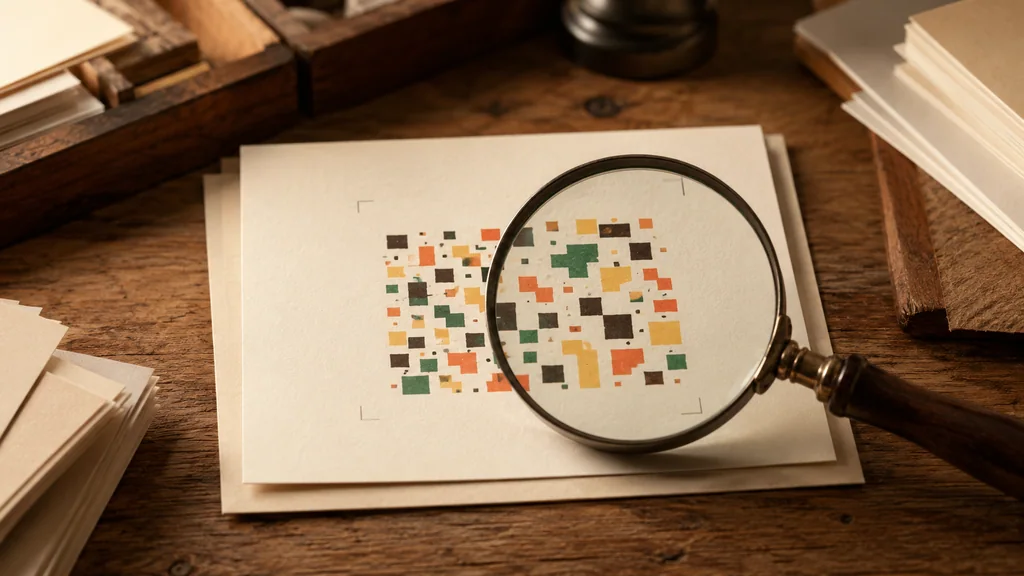
Use distance divided by ten only as a starting layout estimate: at 50 cm, try a 5 cm code and compare a physical sample. It is not a guaranteed minimum. Data density, module size, camera, lighting and print material affect the result; retain a four-module quiet zone and check the intended setup.
A starting estimate, followed by a physical test
Distance divided by ten can be a starting layout estimate, not a minimum that guarantees scanning. Readability depends on the encoded data, module size, camera, lighting and print material. Keep the quiet zone intact and scan a sample at the intended dimensions and distance.
Resolution: it's really about module size
The small squares are modules. Their final physical size matters, but a single value such as 0.4 mm cannot guarantee camera performance. Check the printer and scanner requirements and test the finished sample. Dense data and small output dimensions can reduce module size.
- Too much data. A long URL or a full vCard forces a higher-version code with more, smaller modules. Shorten the content (or print larger) to keep modules coarse.
- Printing small. The same code at 2 cm has half the module size it has at 4 cm. Combine 'lots of data' with 'printed small' and the modules smear together.
- Low-res source image. A 200 px PNG stretched onto a banner turns crisp squares to mush regardless of the printer.
Why SVG beats a big PNG for print
Use SVG where the tool offers it to preserve vector edges during layout. Some composed signs export PNG instead; keep enough pixels for the intended print size. Neither format guarantees physical readability, so scan a sample before producing a batch.
Don't forget the quiet zone
Size includes the quiet zone — the empty margin around the code, ideally 4 modules wide. Designers often crop it tight to fit a layout, and then scanners can't tell where the code begins. The quiet zone is part of the code's footprint: budget for it when you decide how much space the code needs on the page.
Test at final size before the print run
Before a print run, print one sample at the intended dimensions and scan it on the intended devices. The online tool checks digital image variants; it cannot reproduce paper, glare, ink spread, folds or real camera distance.
Frequently asked questions
What's the minimum size for a printed QR code?
There is no universal minimum physical size. Use a layout estimate only as a starting point, leave the full quiet zone and scan a sample at the intended distance with your users’ devices before producing a batch.
What DPI or resolution should a QR code be?
SVG preserves vector edges when resized; PNG needs enough pixels for the intended print dimensions. A DPI number alone cannot establish scan performance. Check the finished module size, full margins and a physical sample.
Why does my QR code look blurry when printed large?
You almost certainly enlarged a low-resolution PNG. Raster images have a fixed pixel grid that blurs when stretched. Re-export the code as SVG (vector, sharp at any size) or regenerate the PNG at the final print size and DPI.
How big should a QR code on a poster or billboard be?
There is no universal minimum physical size. Use a layout estimate only as a starting point, leave the full quiet zone and scan a sample at the intended distance with your users’ devices before producing a batch.