Processed in your browser · no upload
Event check-in QR code sign template
Help guests find the right form, ticket page or check-in flow with a bold entrance sign that scans fast in a queue.
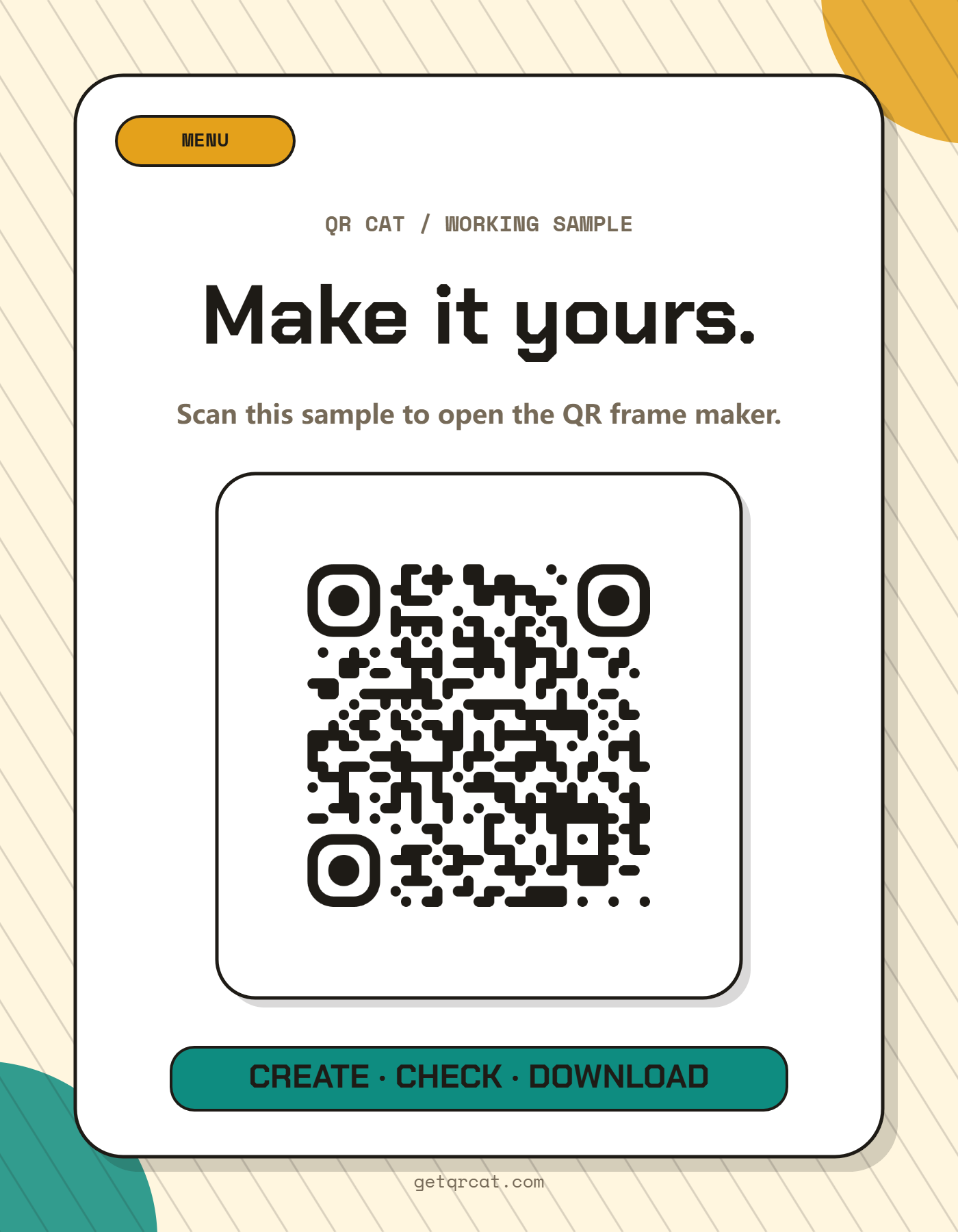
An event check-in QR sign needs strong hierarchy: CHECK IN, scan before entry, and enough QR size for people moving through a line.
Best for
- Conferences, workshops, pop-ups, classes and meetups
- Check-in forms, ticket validation links and attendee pages
- Entrance signs, registration desks and queue wayfinding
Before you put it up
- Read the finished file and confirm its exact link or text.
- Print one copy at the intended size. Keep all four margins clear.
- Try it with the actual phones, distance and lighting before making more copies.
How to make it
- 1Choose the event check-in template.
- 2Paste the check-in form, ticket link or attendee page URL.
- 3Use short entrance copy and keep the QR large.
- 4Print multiple signs if the queue splits into more than one line.
Design notes before printing
- Put the sign before the registration desk, not on the desk only.
- Add a short fallback URL below the QR for camera issues.
- Avoid glossy placement that creates glare under venue lights.
Frequently asked questions
Can this link to a Google Form or Typeform?
Yes. Any check-in form or ticket URL can be encoded as long as attendees can open it on mobile.
How large should an event QR sign be?
For entrance queues, print larger than a table card. A5 or letter-size works better when people scan while standing.
Should I print more than one sign?
For queues, yes. Put signs before the bottleneck so people can scan while waiting.
Related QR frame templates
Ready to export the frame?
Open the QR Frame Designer, choose the matching template, and download a print-ready PNG.
Updated · QR Cat team