Processed in your browser · no upload
Menu QR code template for tables
Make a table-ready menu QR that tells guests exactly what to scan before ordering, without looking like a random code sticker.
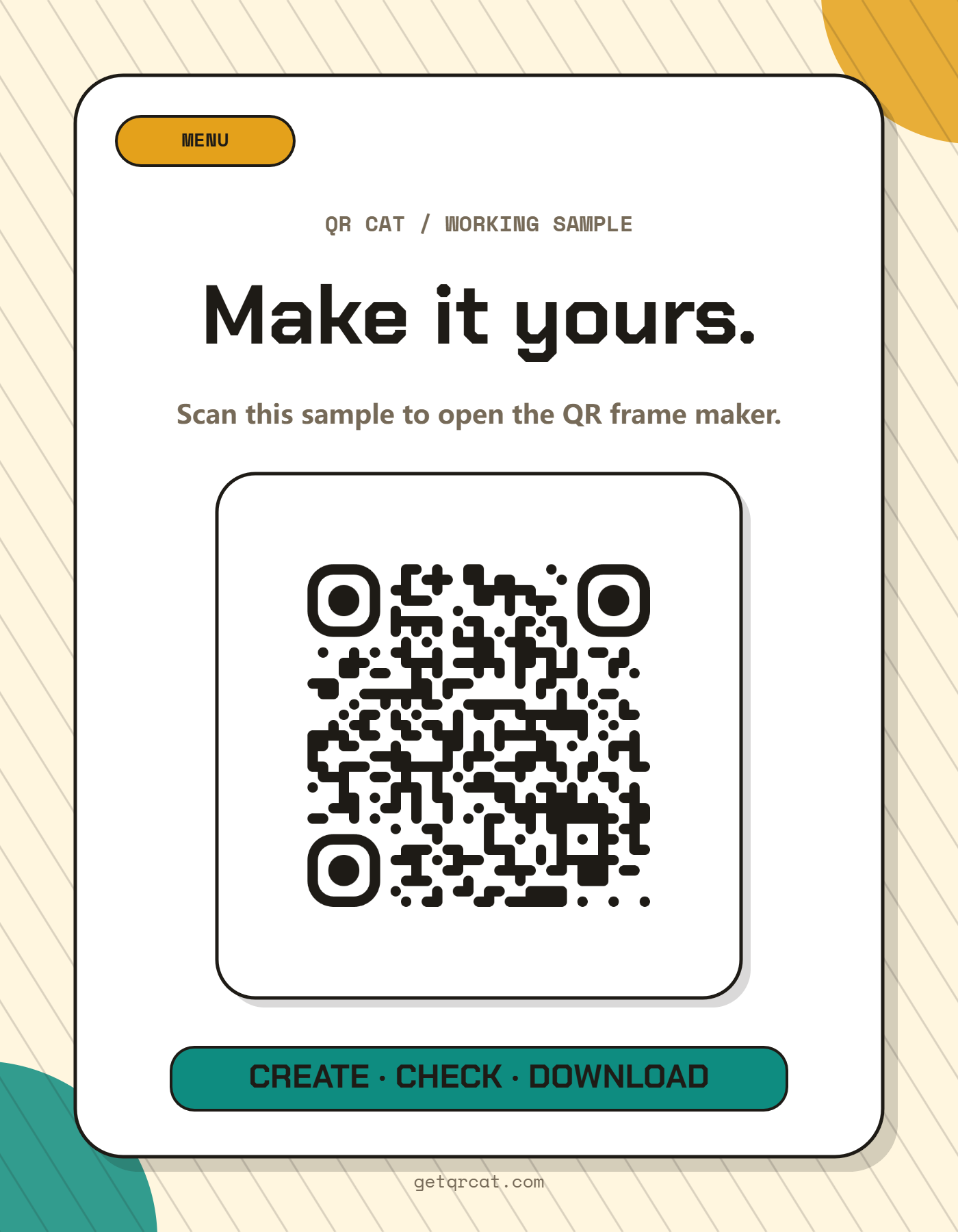
A menu QR code template should use a clear headline, short instruction line, large QR plate and enough contrast to scan under restaurant lighting.
Best for
- Restaurants, bars, cafes, food trucks and night-market stalls
- Table tents, takeout packaging, window signs and counter cards
- Static menu pages, PDF menus and online ordering links
Before you put it up
- Read the finished file and confirm its exact link or text.
- Print one copy at the intended size. Keep all four margins clear.
- Try it with the actual phones, distance and lighting before making more copies.
How to make it
- 1Choose the menu table card template.
- 2Paste your menu URL, PDF link or online ordering page.
- 3Use a direct headline such as Scan for menu or Order from your phone.
- 4Print the export and test it under the lighting where guests will scan.
Design notes before printing
- Avoid putting the QR too close to food photos or dense menu text.
- Use one QR per table or service zone when staff need to identify orders.
- Keep the landing page mobile-friendly; the QR only starts the experience.
Frequently asked questions
Can this link to a PDF menu?
Yes, but a mobile web menu usually loads and zooms better than a large PDF.
Where should a menu QR go on a table?
Put it where phones can approach without glare: table tent, small stand, corner of the menu, or a flat card near the edge.
Can I reuse the same menu QR on takeout bags?
Yes, as long as the menu link stays valid and the printed QR is large enough with a clear white margin.
Related QR frame templates
Ready to export the frame?
Open the QR Frame Designer, choose the matching template, and download a print-ready PNG.
Updated · QR Cat team